Action Scripts
An Action Script is Python code that runs automatically (usually from an "Auto Action" node in the Workflow Engine) to perform custom business logic — such as converting a purchase request into a purchase order, creating a work order from an incident, or sending an SLA-breach alert. This screen lists every registered script.
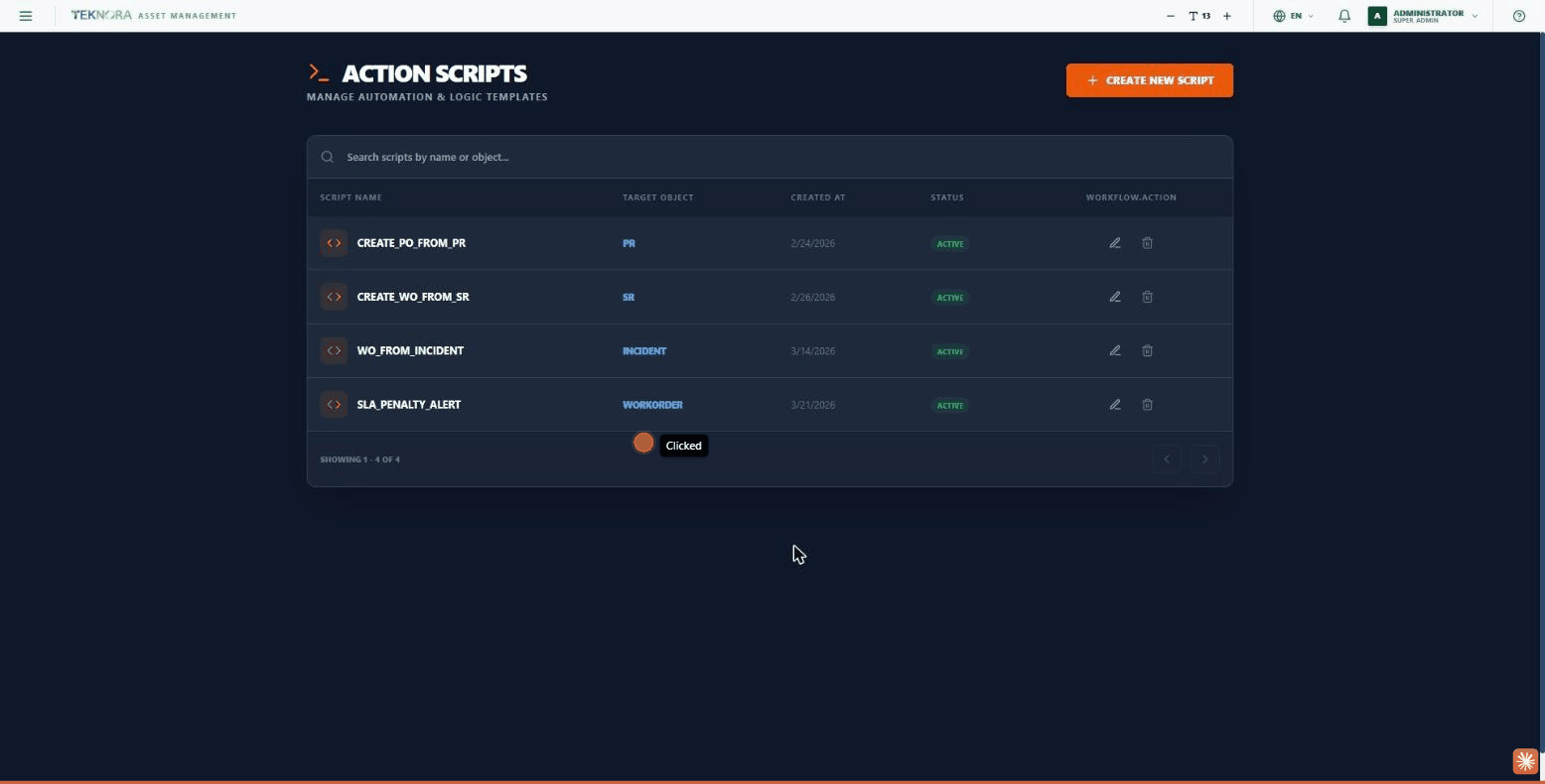
Table Columns
| Column | Description |
|---|---|
| Script Name | The script's unique name |
| Target Object | The table/model the script operates on (e.g. PR, SR, INCIDENT, WORKORDER) |
| Created At | The script's creation date |
| Status | ACTIVE |
| Workflow.Action | Edit (pencil) - Delete |
Practical Steps
- Open a script for editing: click the pencil icon to open the Action Script Studio.
- Create a new script: click CREATE NEW SCRIPT.
- Search: the search box above the table searches by name or target object.
Go to: Action Script Studio →