Material Requests
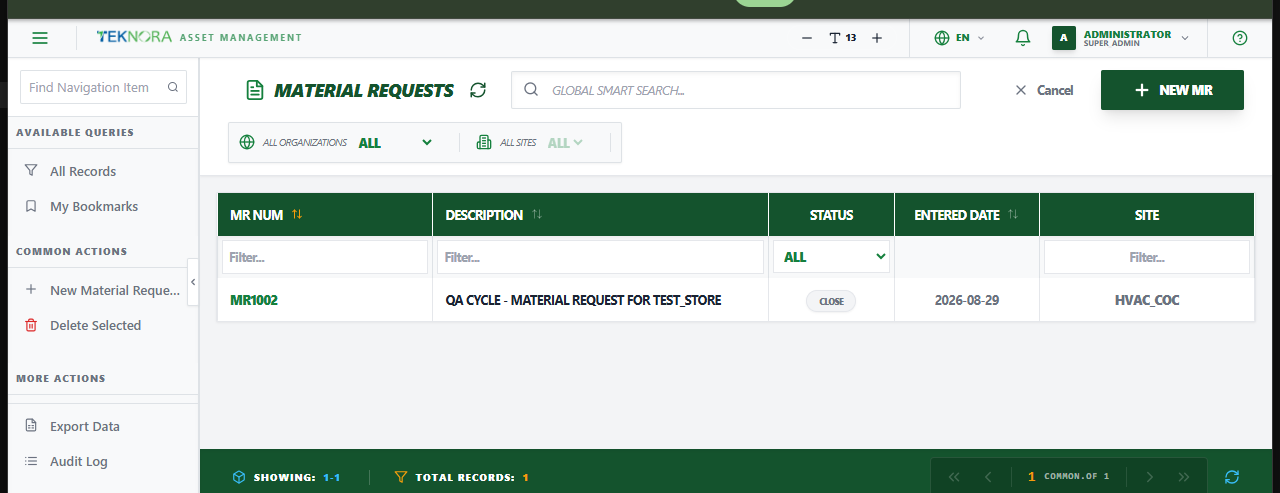
The Material Requests screen lists internal requests for material - either to be issued from existing stock, or to trigger a purchase when stock isn't available.
Purpose of this screen
- Browse all material requests and their status.
- Search and filter by MR number, description, status, or date.
- Open a request to review or edit its lines, or change its status.
- Create a new material request.
Table columns
- MR Num, Description, Status, Entered Date, Site.
How to
1. Create a material request
Click New Material Request, fill in the description and Target Store, add material lines, and save.
2. Open a request's details
Click any row to open its Material Request Details screen.