Vendors
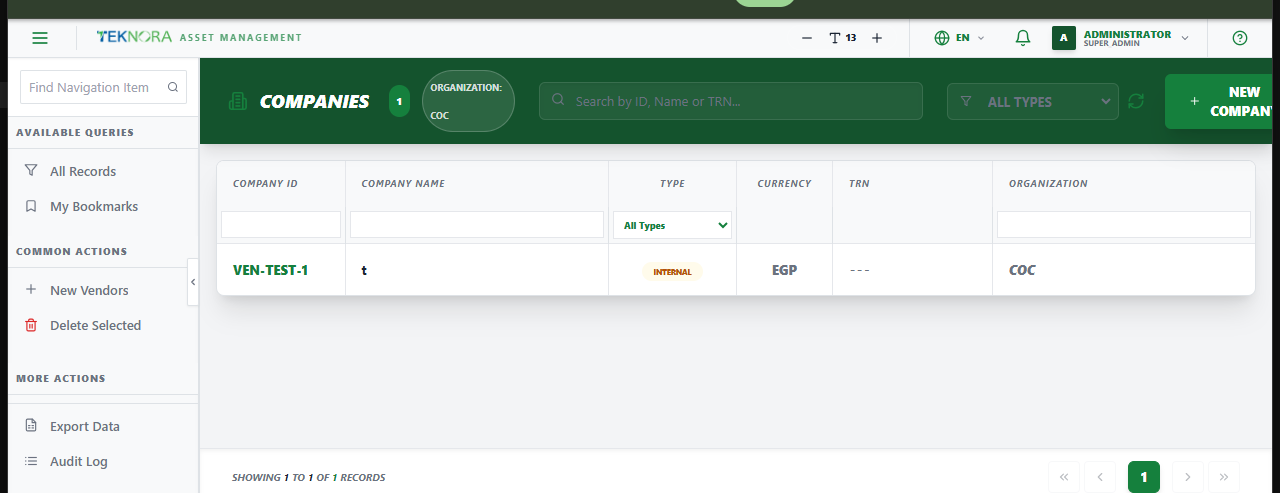
The Vendors screen is the master list of every supplier/company the organization buys from - referenced across Purchase Orders, RFQs, Purchase Invoices, and item pricing history.
Purpose of this screen
- Browse all registered vendors.
- Search and filter by vendor code, name, or other details.
- Open a vendor's details to edit its information or contacts.
- Register a new vendor.
How to
1. Create a new vendor
Click New Vendor, fill in the company number and name (required), and save.
2. Open a vendor's details
Click any row to open its Vendor Details screen.
Go to: Vendor Details screen →