Job Plans Directory
A Job Plan is a ready-made "recipe" for performing a recurring maintenance task — it predefines the tasks, labor, materials, tools, and assets involved, so you can attach it to a work order or a PM schedule instead of typing all those details from scratch every time. This screen lists every job plan registered in the system.
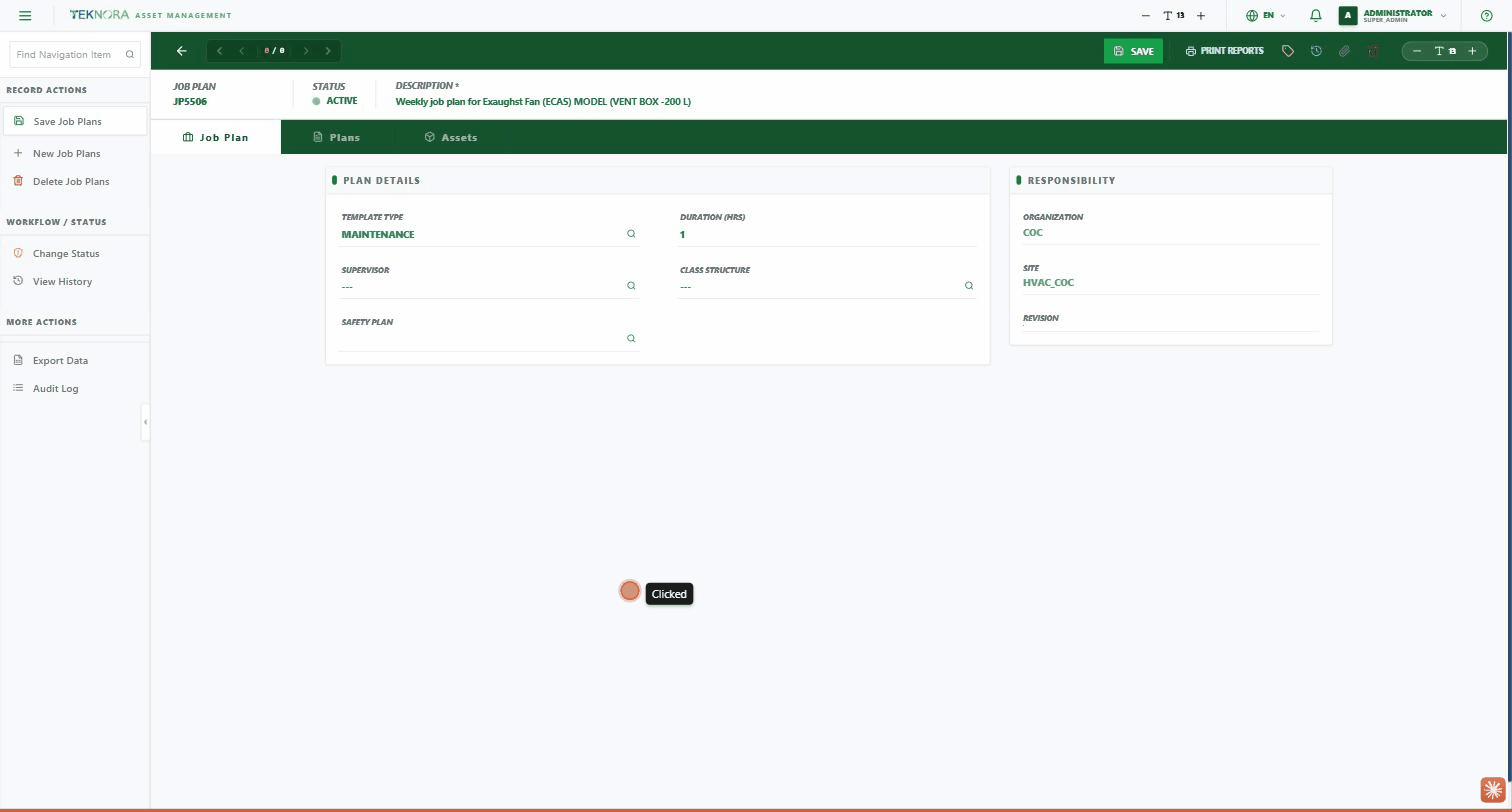
Table Columns
| Column | Description |
|---|---|
| Plan # | The job plan code — click it to open the details screen |
| Description | The job plan's description |
| Status | ACTIVE / DRAFT / REVISED |
| Revision | The current revision number |
| Site | The site this plan belongs to |
Filters
Every column (except Status) has a filter box right under its heading — type in it for live filtering. The Status filter is a dropdown with ACTIVE / DRAFT / REVISED.
Practical Steps
- Open a plan: click any row to open its Job Plan Details.
- Create a new plan: click NEW PLAN at the top of the screen.
- View all sites: by default the list shows only your site's plans — there's an action to view all sites when needed.
- Clear filters: the CLEAR FILTERS button resets the list to its default state.
Go to: Job Plan Details →