Organizations
This screen lists every Organization registered in the system — each organization can have one or more Sites under it, and it is the top level of the system's hierarchy that scopes data and permissions.
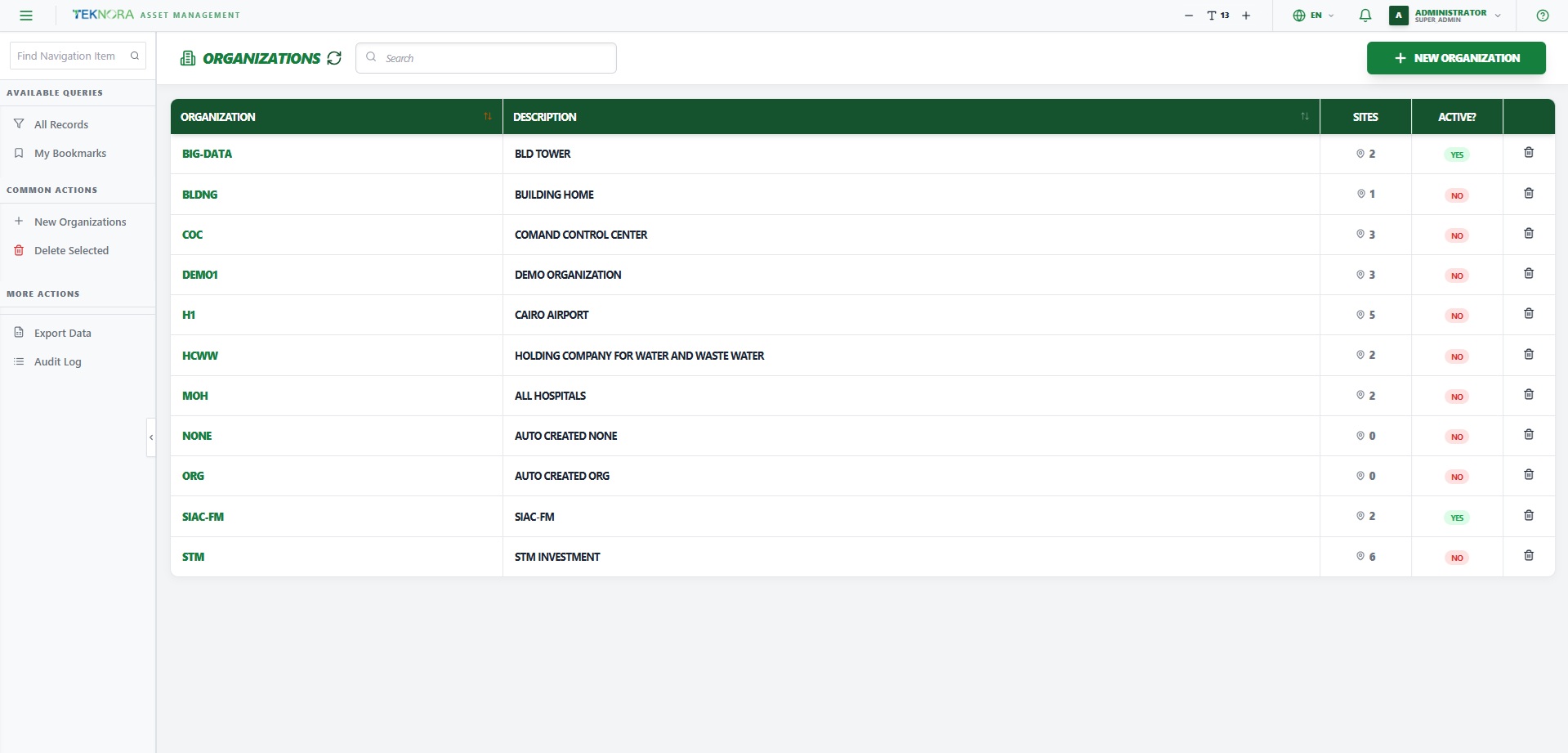
Table Columns
| Column | Description |
|---|---|
| Organization | The organization code — click it to open the details screen |
| Description | The organization's full name |
| Sites | Number of sites under the organization |
| Active | Whether the organization is enabled |
Practical Steps
- Open an organization: click any row in the table to open its Organization Details.
- Create a new organization: click NEW ORGANIZATION at the top of the screen.
- Delete an organization: click the trash icon at the end of the row (if you have permission).
- Search: use the search box above the table to search by code or description.
Go to: Organization Details →